You Launched Two Pages. Now What?
You spent two weeks building two versions of your landing page. Different headlines, different hero images, different calls to action. Both are live. You share one link in your newsletter, another in your ads, a third somewhere else - and three weeks later you're staring at Google Analytics trying to remember which URL was which.
This is how most A/B testing actually happens. Not the clean, scientific version from the blog posts. The real version: fragmented, hard to track, and ultimately inconclusive because the data is scattered across too many places to make sense of.
There's a simpler way.
The Problem with Testing at the Page Level
Traditional A/B testing tools - Optimizely, VWO, Google Optimize - work by injecting JavaScript into a single page and showing different variants to different visitors. This is powerful for testing headlines, button colors, and layout changes. But it has a hard limit: you're testing variations within a page, not between entirely different pages, funnels, or destinations.
What if your test is bigger than that? What if you want to compare:
- Your current pricing page against a completely rebuilt one
- Two entirely different sales funnels
- Your product page against a webinar registration page as the primary CTA
For those tests, you need the traffic split to happen before the user reaches the page - at the link level.
How Link-Level A/B Testing Works
The concept is straightforward. Instead of one link pointing to one destination, you have one link that randomly distributes traffic across multiple destinations according to weights you set.
A 50/50 split means the first click goes to Variant A, the next to Variant B, and so on - but not strictly alternating. Each click independently has a 50% chance of landing on either variant. Over thousands of clicks, the distribution evens out. Over dozens of clicks, you might see 60/40 just by chance - which is exactly why you need enough traffic before drawing conclusions.
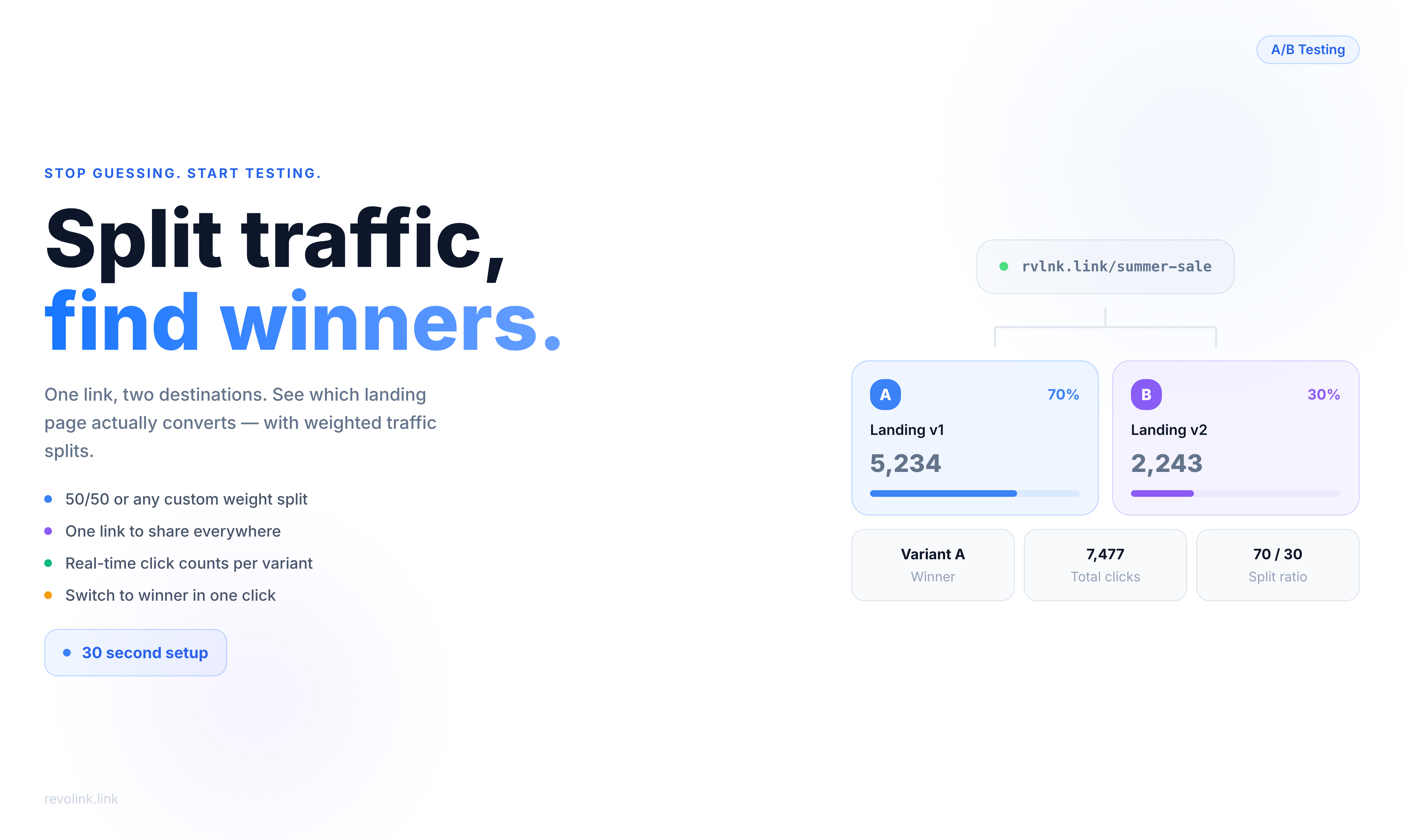
A 70/30 split works the same way: each click has a 70% chance of landing on Variant A and 30% on Variant B. This is useful when you have a proven control you don't want to deprioritize too heavily while still testing a challenger.
The key advantage: one link to share everywhere. In emails, social posts, ads, QR codes - it all goes through the same URL. The split happens invisibly. Your audience sees nothing unusual.
Three Tests Worth Running Right Now
1. Landing Page Headline Test
You've written two versions of your landing page. Same offer, same product, but the headline frames the value proposition differently - one leads with the outcome ("Double Your Conversion Rate"), the other leads with the mechanism ("Smart Link Routing That Adapts to Every Visitor").
Set up a 50/50 split. Let it run until you have at least a few hundred clicks per variant. The one with more downstream conversions wins. Simple.
2. Pricing Page Structure Test
Should you lead with monthly pricing or annual? Should the most popular plan be in the center or highlighted differently? These decisions have a material impact on revenue, but most teams pick based on what looks good in a design review.
A 70/30 split - 70% to your current pricing page, 30% to the new version - lets you test without betting your whole conversion funnel on an unproven layout. If the challenger wins, flip it to 100%. If it underperforms, you've limited the damage.
3. Funnel Comparison
This is the big one. You have two completely different acquisition paths: a long-form sales page versus a short demo-request form. Or a free trial funnel versus a "talk to sales" funnel. These aren't variations of the same page - they're fundamentally different bets about how your customers want to buy.
A three-way split - 40/35/25 across three funnel variants - lets you test them simultaneously instead of sequentially. Sequential testing takes months and is contaminated by seasonality. Simultaneous testing with randomized splits gives you cleaner data faster.
A/B Testing vs. Conditional Rules: Different Tools, Different Goals
If you've used smart link routing before, you might wonder how A/B testing differs from conditional rules - the kind that route iOS users to the App Store, or French visitors to a French-language page.
They look similar but serve opposite purposes:
Conditional rules answer the question: given what I know about this visitor, where should they go? The destination is determined by context - device, location, time of day. You're routing intentionally.
A/B testing answers the question: which destination performs better with my audience in general? The destination is determined randomly. You're learning, not routing.
You can't use both on the same link at the same time - and that's by design. When you're running a test, you need clean randomization. Layering conditional rules on top would bias your results.
Reading Your Results
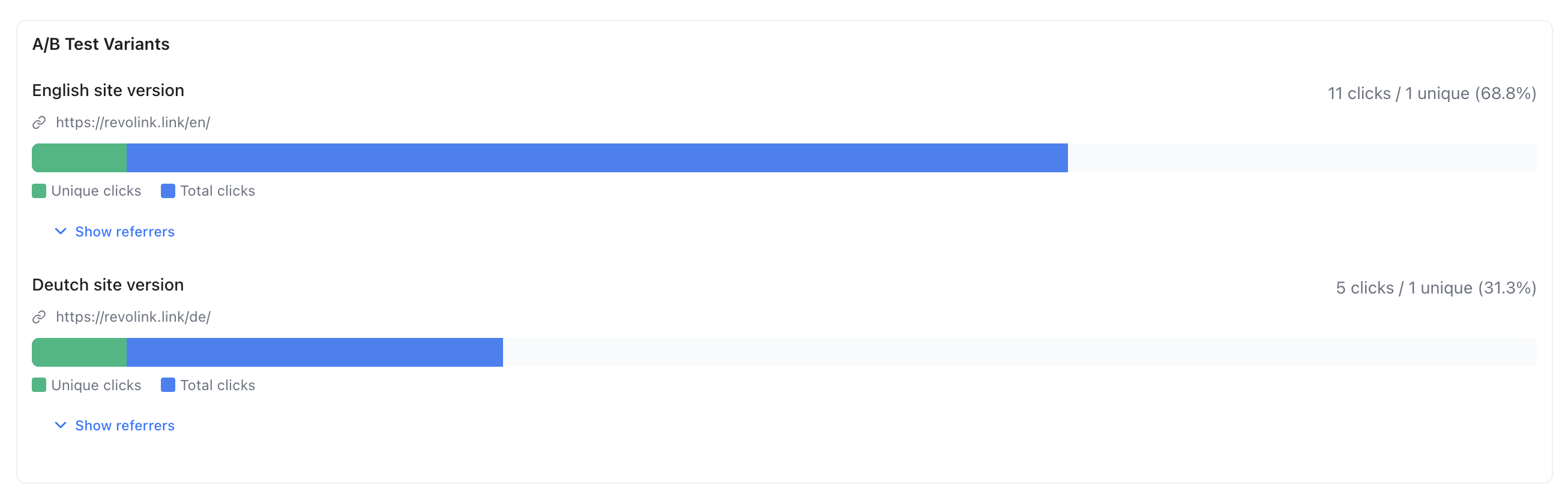
The output is simple: click counts per variant, updated in real time. Variant A got 847 clicks, Variant B got 831 clicks. That's your raw data.
What you do with it depends on what's downstream. If you're tracking conversions in your analytics platform, tag each destination URL differently so you can attribute outcomes. The split itself tells you who went where - your analytics tell you what they did when they got there.
When you're ready to declare a winner, disable A/B testing and point the link to the winning URL. All future traffic goes there. Historical click data is preserved.
One practical note on sample size: don't check results after 50 clicks and call it. For a 50/50 test to reach statistical significance, you typically need 300–500 clicks per variant at a minimum - more if the conversion rates are close. Checking too early leads to false conclusions. Set a minimum click threshold before you look, and stick to it.
The 30-Second Setup
The reason most teams don't run link-level A/B tests isn't that they don't want the data. It's that the setup feels like a project - create separate tracking links, tag them consistently, remember which is which, reconcile data from multiple sources.
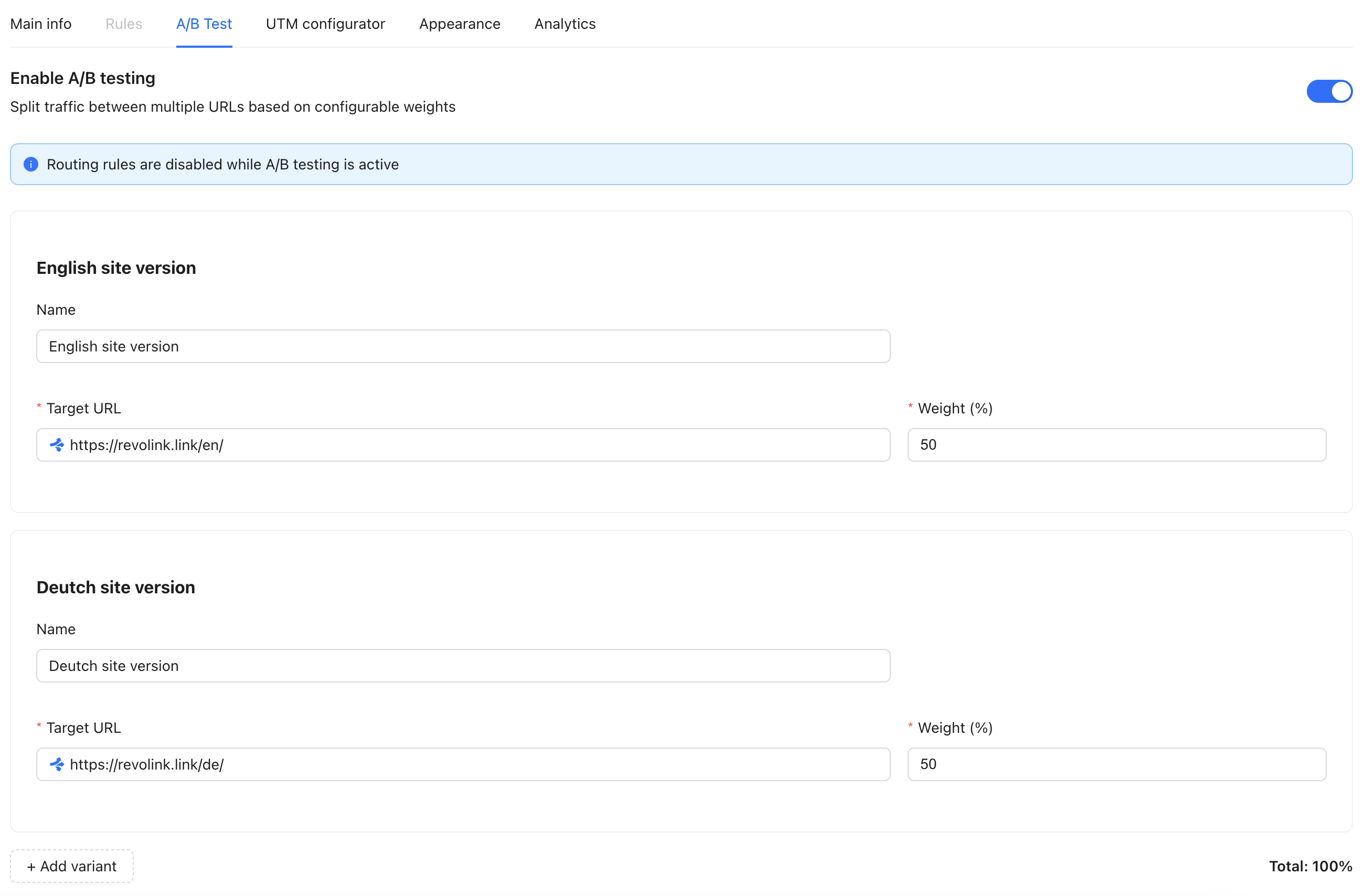
With Revolink, setup is a toggle in the link editor. Enable A/B testing, set your variant URLs, assign weights. Share the link. Watch the click counts accumulate per variant in your dashboard.
No spreadsheets. No juggling multiple URLs. No guessing which version you sent to which channel.
Just a cleaner way to find out what actually works.
Related Topics:

Maksym Yaroshchuk
Founder & CEO at Revolink. Writes about link management, marketing automation, and growth strategies.