Workspace Activity Log
Know Who Did What, and When
Every team membership event in your workspace is recorded - who was invited, who joined, who was removed, and every role change. Workspace Settings → Activity.
Last updated: June 2026
Acme Marketing
Workspace Activity
Alex L. · Invited sara@acme.com
2m agoRole assigned: Campaign Editor
Sara J. · Joined workspace
5m agoAlex L. · Changed role for Mike K.
3h agoMember → Campaign Manager
Mike K. · Joined workspace
1d agoAlex L. · Removed contractor@ext.io
3d agoAccess revoked
Without workspace activity
You don't know who has access or how they got it.
Someone has workspace access - you don't remember inviting them or when
A contractor's access was supposed to end last month - did anyone remove them?
Client asks who has access to their data - your answer is 'I think it’s just us'
Compliance audit requires an access log - you have nothing to show
With Revolink
Every access event is recorded. The audit trail is always there.
Every invitation, join, removal, and role change is logged automatically
See who invited a member, when, and which role they were given
Filter by date to scope the log to any period
Available to anyone with the View workspace activity permission
Where to find it
Three steps. No setup required - it's been running since your first team member joined.
Go to Workspace Settings → Activity
No setupOpen the workspace menu, click Settings, then select the Activity tab. The full membership event log is there - newest entries at the top.
Filter by date range
Use the date picker to scope the log to a specific period - a compliance window, the duration of a project, or just the past week. The feed updates immediately.
Read who did what and when
Each entry shows the actor (who made the change), the action (invited, removed, role changed), the affected member, and the exact timestamp. Role changes show the old and new role.
Who needs workspace activity
Three teams that rely on a clear membership audit trail.
Client-facing agencies
Client asks: "Who currently has access to our workspace, and when were they added?"
Alex L. · Invited client@acme.com
Role: Read-only Analyst
Sara J. · Removed contractor@freelance.com
Access revoked
Workspace activity log answers the question in 10 seconds - no meeting needed
Compliance audits
Legal requires a log of who had access to campaign links during Q2
Mike K. · Joined workspace
Role: Member
Alex L. · Changed role for Mike K.
Member → Campaign Manager
Filter activity to the Q2 date range → a clean access audit trail for compliance review
Growing SaaS teams
New hire added with wrong role - they have more access than they should
Sara J. · Invited newdev@company.com
Role: Manager (too broad)
Alex L. · Changed role for newdev@company.com
Manager → Member
Spot the over-permissioned role in workspace activity, fix it before the new hire acts on it
3
Event types logged (invites, removals, role changes)
20
Members per workspace (Agency plan)
100%
Membership actions logged automatically
0
Extra tools or integrations needed
Common questions
What actions are logged in the workspace activity feed?
The workspace activity log records team membership events: member invitations (including which role was assigned), members joining, members being removed, and role changes (including which role was assigned and by whom).
Is workspace activity different from link activity?
Yes - they track different things. Workspace activity covers team membership events (who joined, was removed, or had their role changed). Link activity covers per-link configuration changes (destination URL edits, rule changes, A/B variant updates). Both are separate feeds.
Who can see the workspace activity log?
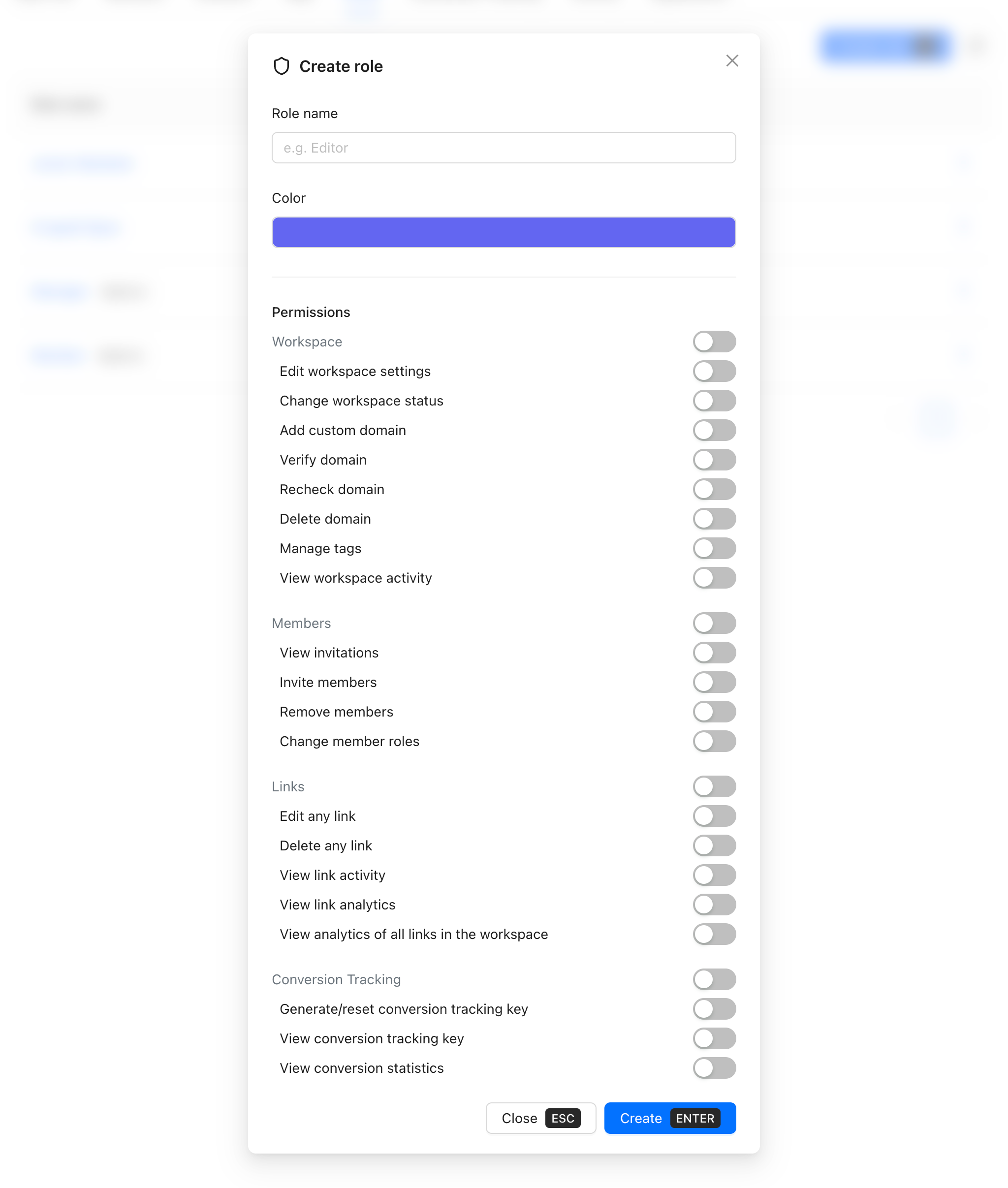
Team members with the "View workspace activity" permission. By default, the Owner and Manager roles have this permission. You can also grant it to custom roles via Workspace Settings → Roles.
Do I need a paid plan to access workspace activity?
Yes - the workspace activity log is built into every Pro, Agency, and Business workspace automatically, starting at just $15/mo. No add-on, no extra setup. It's not on Free or Starter, but Pro is our most popular plan and unlocks the full audit trail plus 10 workspace members, 50 rules per link, and 730 days of analytics retention.
Are role changes included in the workspace activity?
Yes. Every role assignment and role change appears in the workspace activity feed - who made the change, which member's role was affected, and what it was changed to.
Route Smarter. Convert More.
Stop sending everyone to the same page. Route by location, device, and time - start free, no credit card required.
Start for Free - No Card RequiredFree forever · No credit card · Cancel anytime