Share Link Analytics
One Report Link Any Client Can Bookmark
Turn any link's stats into a public report - pick which graphs show, share the URL, no login required to view it.
Last updated: July 2026
Graphs to show
Revolink generates a public link
revolink.link/public/s/8f2a91c0e3b7Without public sharing
Reporting client stats becomes a recurring chore - or a security risk.
You give the client your dashboard login - now they can see every other client's links too.
Every Monday you screenshot the analytics tab and paste it into a slide deck.
Client asks for one more chart - you re-export and re-send the whole report.
Anyone with the login can edit or delete links, not just view stats.
With Revolink
You create one scoped link. They bookmark it and check it themselves.
One public link per client - scoped to that link's stats only.
Live data. They refresh the page instead of waiting for your export.
Toggle exactly which graphs that client should see, per share.
No login required - they can view stats, never touch your links or workspace.
Set up in 4 steps
No developer. No re-exports. No dashboard seat for the viewer.
Open the Analytics tab on any link
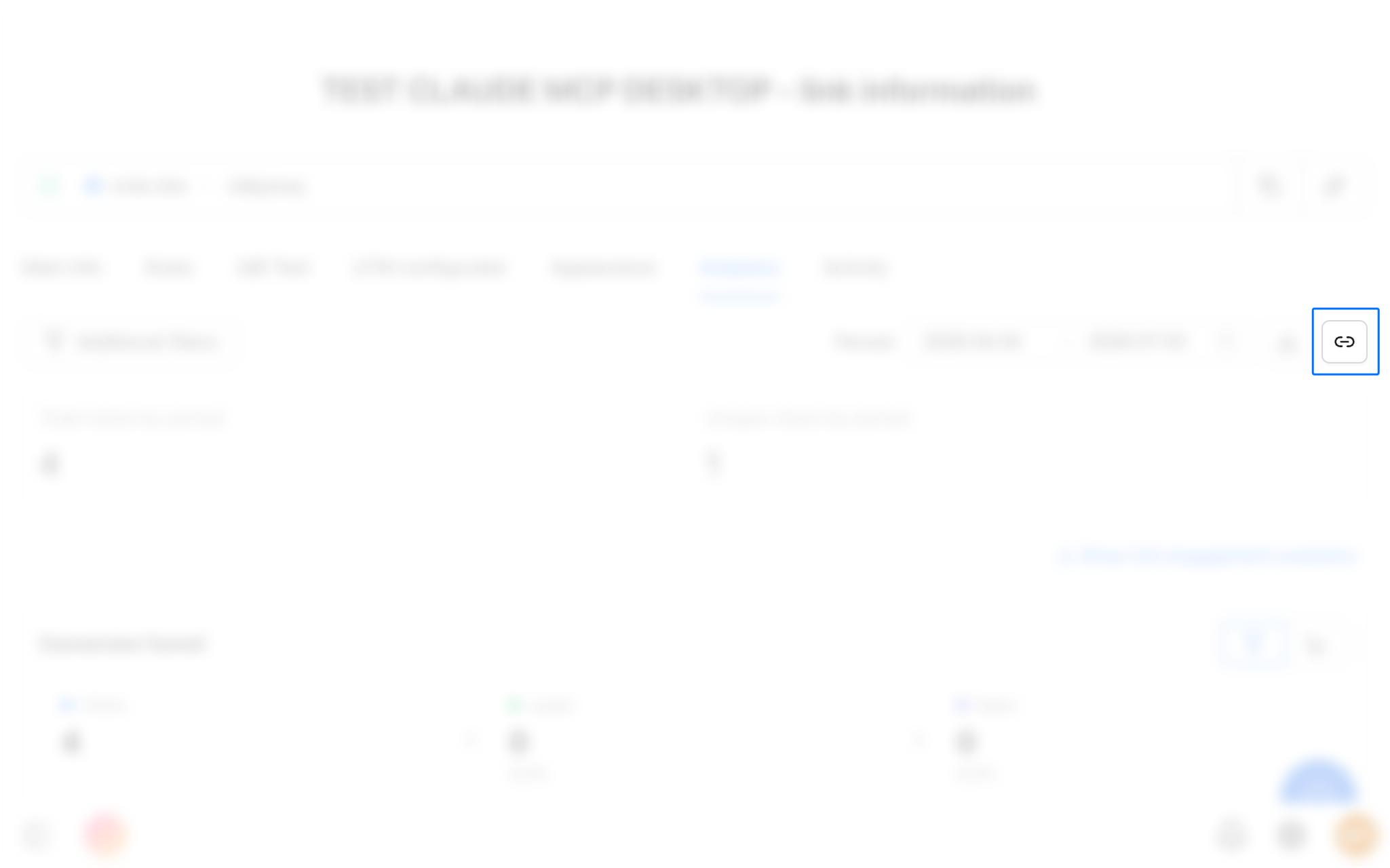
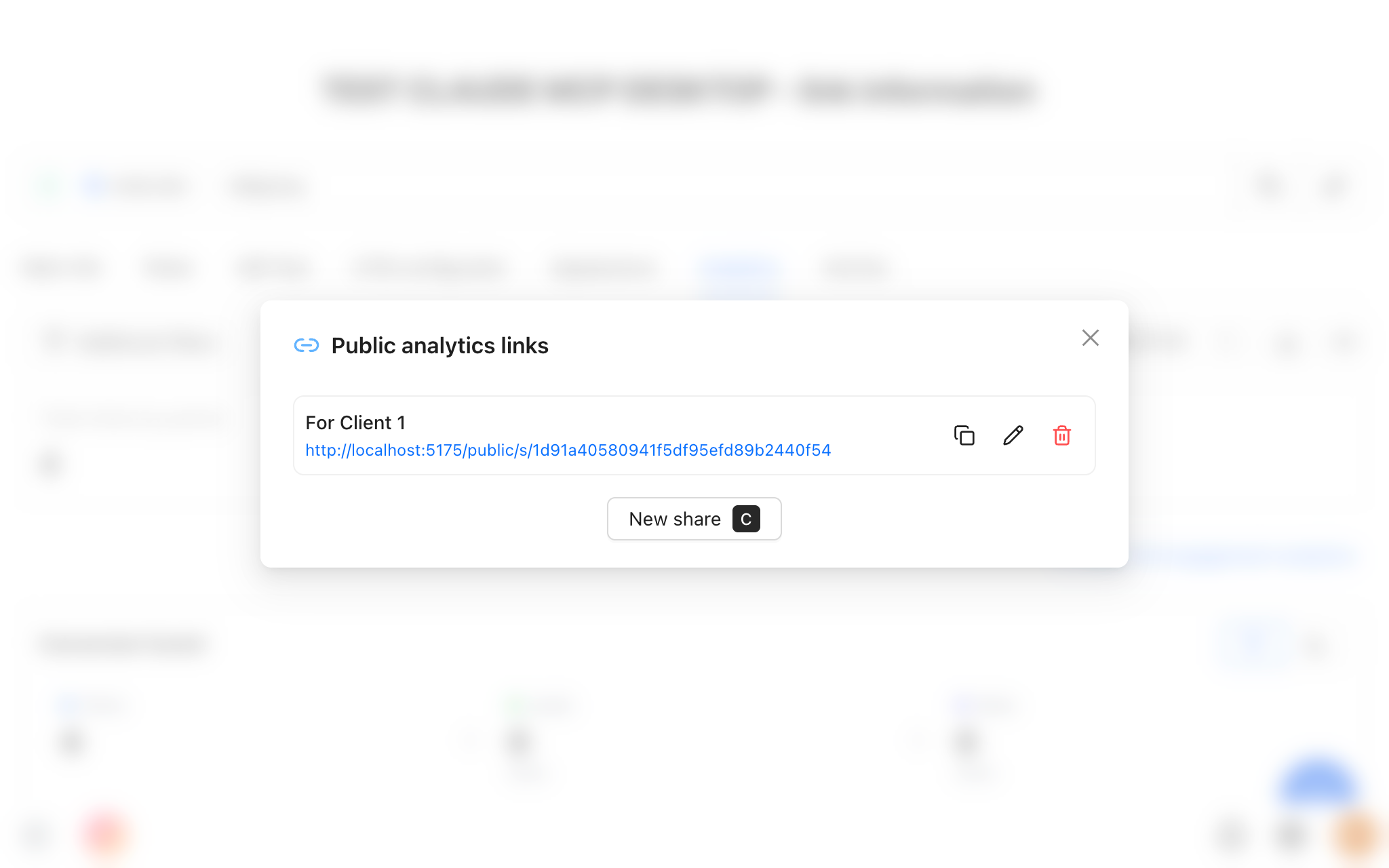
Click the chain icon next to that link's stats to open its Public Analytics Links panel.
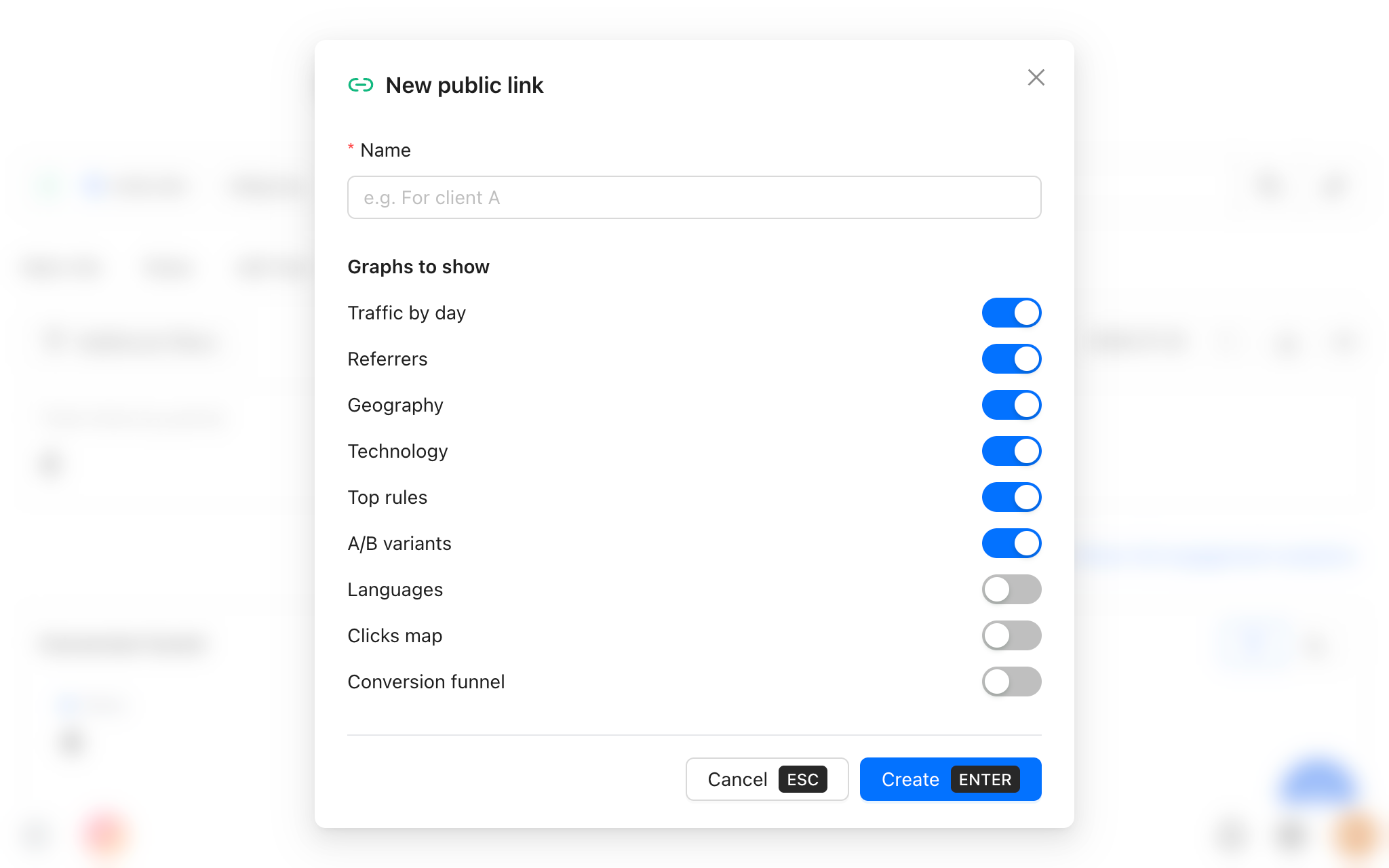
Click New share, name it, toggle graphs
30 secName it something like "For Client 1", then flip on or off any of the 9 graphs: Traffic by day, Referrers, Geography, Technology, Top rules, A/B variants, Languages, Clicks map, Conversion funnel.
Copy the generated public URL
Revolink creates a unique link like revolink.link/public/s/<token> - no extra setup needed.
Send it - they view it any time
DoneNo signup, no login, always current data. Edit or delete the share whenever you want to change what's visible.
Public sharing in the Revolink dashboard
Everything happens on the link's Analytics tab - no code, no separate tool.
Real examples
Who actually shares analytics, and what they show.
Agencies
One share per client account
Traffic, geo, referrers+ A/B variant breakdownNo more monthly export-and-email routine
Marketers reporting up
One share for a monthly stakeholder update
Traffic by day + top rulesConversion funnel onlyStakeholders check the link themselves instead of asking you for numbers
SaaS & partner teams
One share for a co-marketing partner
Referrers + geographyFull graph setPartners see performance without ever touching your dashboard
9
Graphs you can toggle
0
Logins required to view
Unlimited
Public share links per account
Live
Data refreshes on every view
Common questions
Does the client need a Revolink account to view the report?
No. The public link requires no login or signup - anyone with the URL can view it, immediately.
Which graphs can I show or hide?
All 9: Traffic by day, Referrers, Geography, Technology, Top rules, A/B variants, Languages, Clicks map, and Conversion funnel. Conversion funnel only becomes available once conversion tracking is set up on that link.
Can I create more than one public link for the same short link?
Yes. Create as many as you need - one per client, stakeholder, or partner - each with its own name and its own graph selection.
Is this feature limited to a paid plan?
No. Public analytics sharing is available on every plan, including Free.
Can I revoke or edit access later?
Yes. Rename a share, change which graphs are visible, or delete it entirely from the Public Analytics Links panel at any time.
Does sharing analytics expose my other links or workspace data?
No. The public page only ever shows the stats for the one link the share was created from - never your other links or workspace.
Route Smarter. Convert More.
Stop sending everyone to the same page. Route by location, device, and time - start free, no credit card required.
Start for Free - No Card RequiredFree forever · No credit card · Cancel anytime
Already have links? Import them