Zapier Integration
Automate Your Links, No Code Needed
Connect Revolink to Zapier and let your links create themselves, report themselves, and alert your team - automatically.
Last updated: July 2026
What is the Zapier integration?
Revolink connects to Zapier through Zapier's MCP Client connector, currently in beta. Once connected, your link data - clicks, new links, analytics - can flow automatically into any of Zapier's 30,000+ supported apps, like Slack, Google Sheets, or your CMS. No code and no developer needed - just a few clicks inside Zapier.
How to connect
Five minutes, entirely inside Zapier.
Open Zapier and add the MCP Client connector
In Zapier, go to App connections, search for MCP Client, then click + Add connection.
Open MCP Client in ZapierAdd the Revolink connection
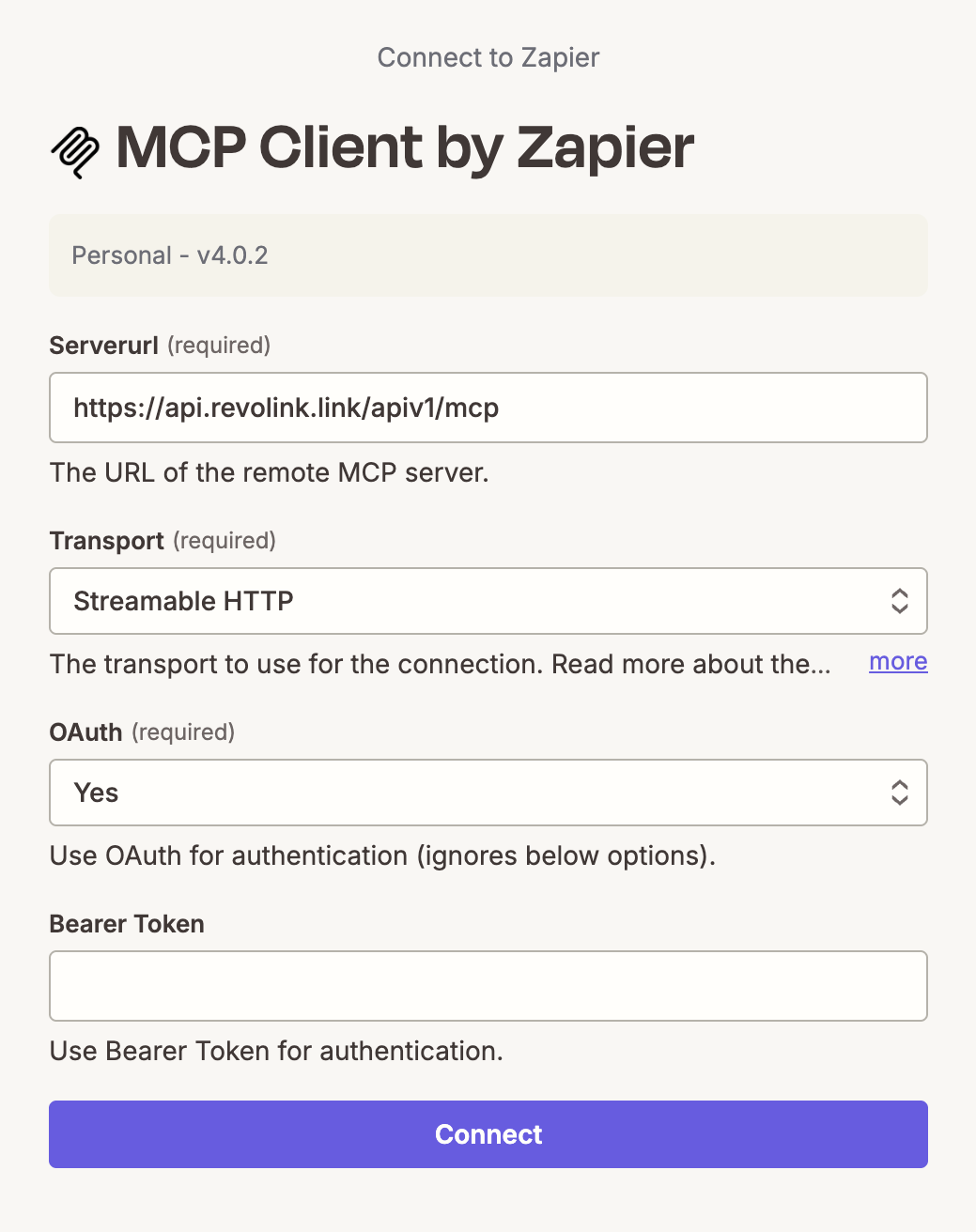
Paste in the Revolink MCP server address: https://api.revolink.link/apiv1/mcp, set Transport to Streamable HTTP, and set OAuth to Yes.
Authorize
Click Continue, log in to your Revolink account when prompted, and approve the connection.
Pick what you want to automate
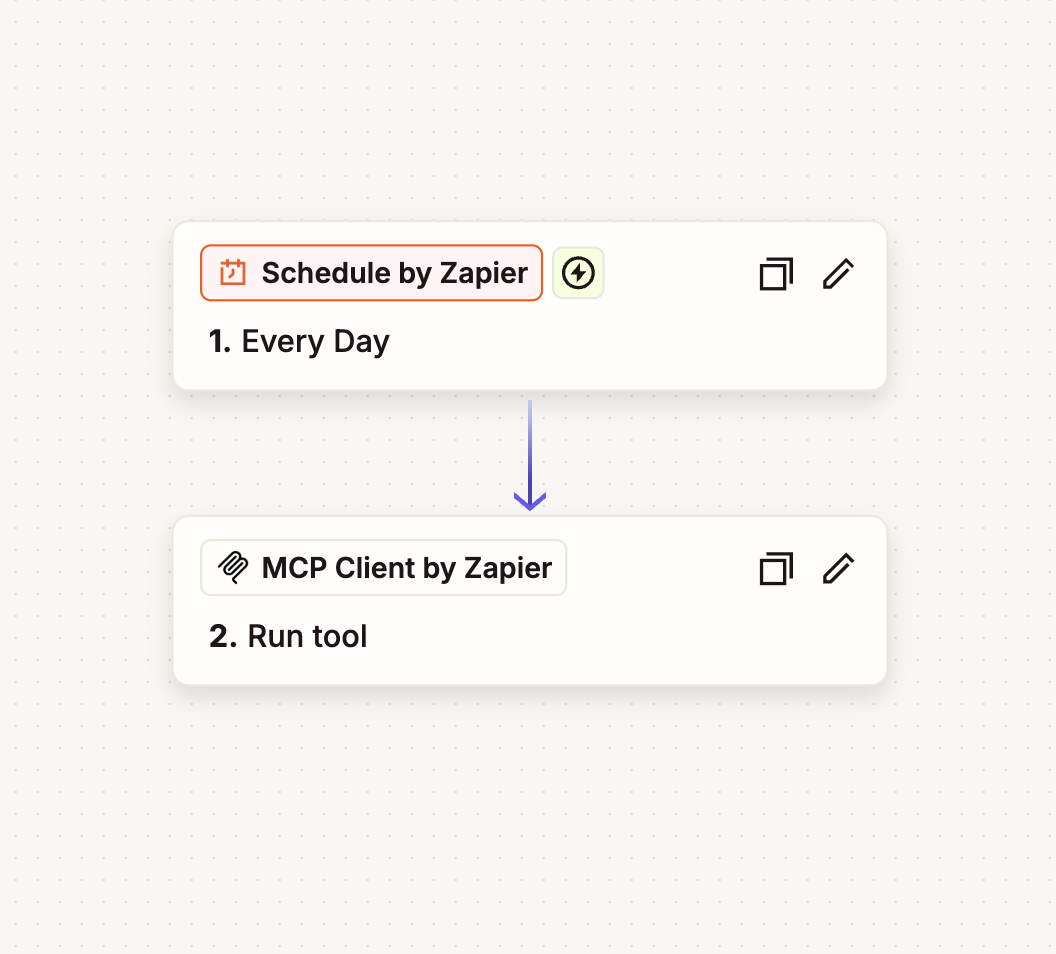
Choose a Revolink action - like "get link analytics" or "create a link" - to use as a trigger, search, or action in your Zap.
What you can automate
Real scenarios marketing teams set up in minutes.
Auto-create a short link when you publish
Publish a new blog post or landing page in your CMS, and a branded Revolink short link is created automatically - ready to share.
Weekly click report in Google Sheets
Every Monday, get a fresh spreadsheet row with last week's click counts for your campaign links - no manual export.
Slack or email alert on click limits
The moment a link crosses a click threshold you set, Zapier notifies your team in Slack or by email so you can react fast.
30,000+
Apps reachable via Zapier
8
Revolink actions available
Beta
Zapier MCP Client status
~5 min
Setup time
Frequently asked questions
Is my data safe going through Zapier?
Only connect to MCP servers you trust, and Revolink's connector only exposes the actions you specifically approve. You can revoke access anytime from Revolink → Profile → Connected Apps.
Do I need a paid Zapier plan?
The MCP Client connector is a Zapier account feature, not something Revolink charges extra for. Check Zapier's current pricing page for which plan tiers include it, since this depends on Zapier's own terms.
Is this a stable, permanent feature?
Zapier's MCP Client connector is in beta, and it may change. It works well today, but treat it as an early feature - test important automations before relying on them for anything business-critical.
What if I don't see Revolink in Zapier's app search?
Revolink isn't a pre-built native Zapier app (yet) - you connect through Zapier's generic MCP Client connector using Revolink's MCP server address, not by searching for "Revolink" directly. Make sure you selected MCP Client and entered the correct server URL.
Explore related pages
Route Smarter. Convert More.
Stop sending everyone to the same page. Route by location, device, and time - start free, no credit card required.
Start for Free - No Card RequiredFree forever · No credit card · Cancel anytime